
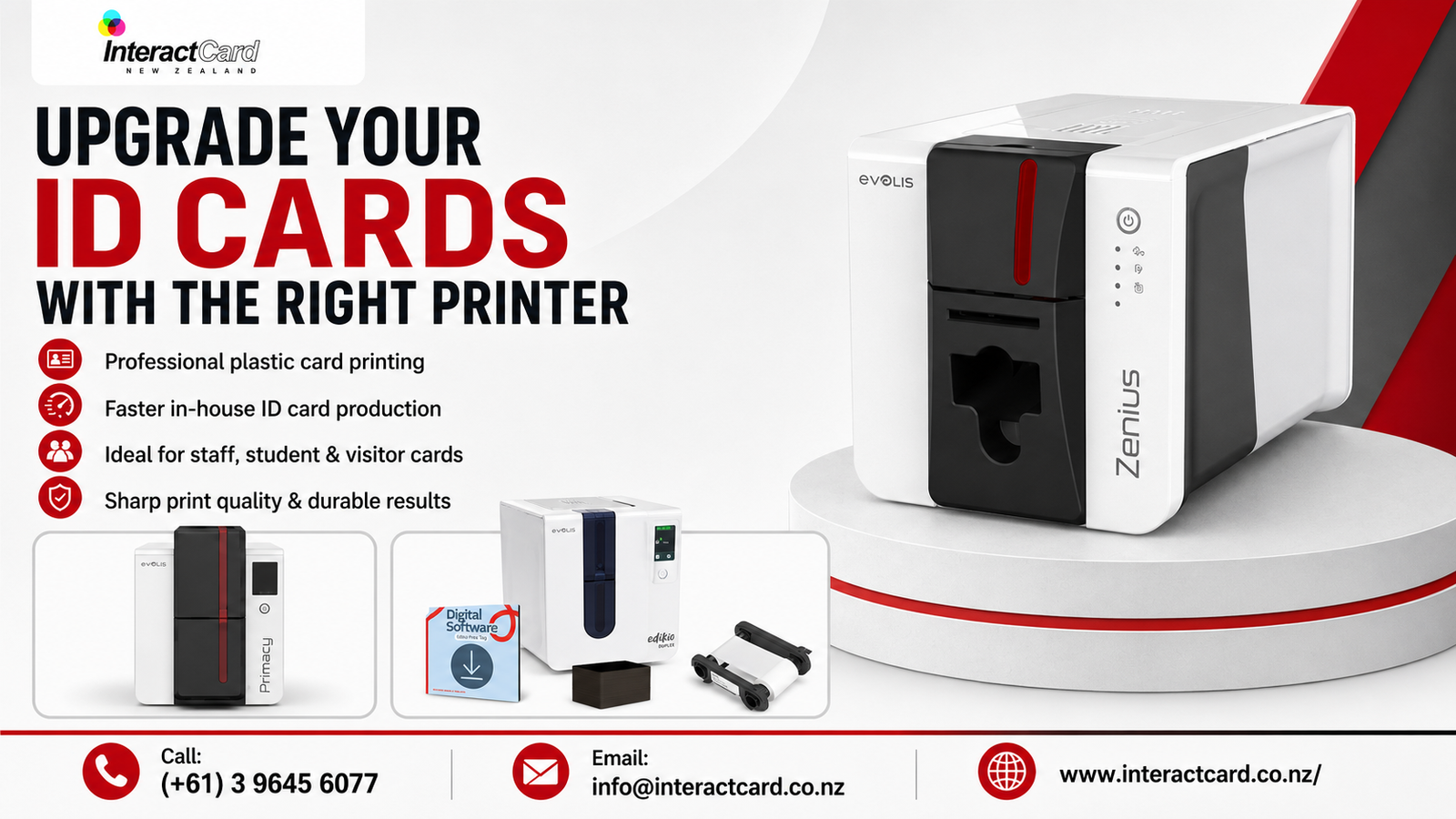
Professional ID cards are no longer just simple name badges. For many organisations, they are an important part of security, branding, access control, visitor management, membership, and daily operations. Whether you manage a school, office, healthcare facility, club, retail store, event venue, or government organisation, having clear and durable ID cards helps people identify staff, students, members, contractors, and guests quickly.
This is where choosing the right id card printer makes a real difference. Instead of waiting for outsourced card orders, correcting delays, or paying every time a replacement card is needed, organisations can print high-quality cards in-house whenever required. With the right printer for plastic cards, you can create professional, secure, and customised cards that suit your exact needs.
For New Zealand organisations looking for reliable card printing solutions, InteractCard NZ offers a wide range of card printers, ribbons, blank plastic cards, cleaning kits, software, and accessories to support complete ID card production from start to finish.
Why Your Organisation Needs Better ID Cards
ID cards are often one of the first things people notice in a professional environment. A well-designed card gives confidence, improves trust, and helps create a more organised workplace. Poor-quality cards, faded printing, unclear photos, or damaged badges can make identification harder and reduce the professional image of your organisation.
Upgrading your ID cards can help with:
- Faster staff and visitor identification
- Better workplace security
- Improved brand presentation
- Easier access control
- More professional membership and loyalty cards
- Quick replacement of lost or damaged cards
- Better management of temporary passes and event badges
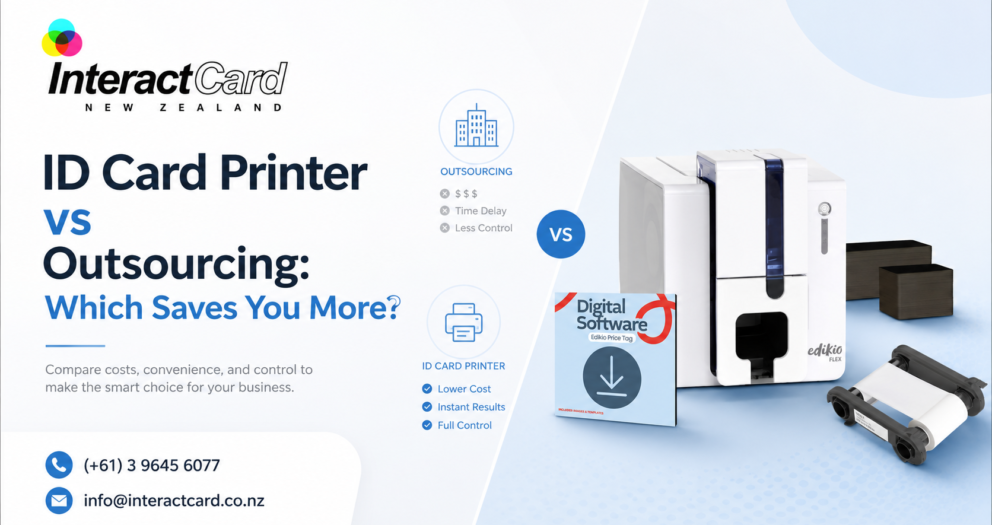
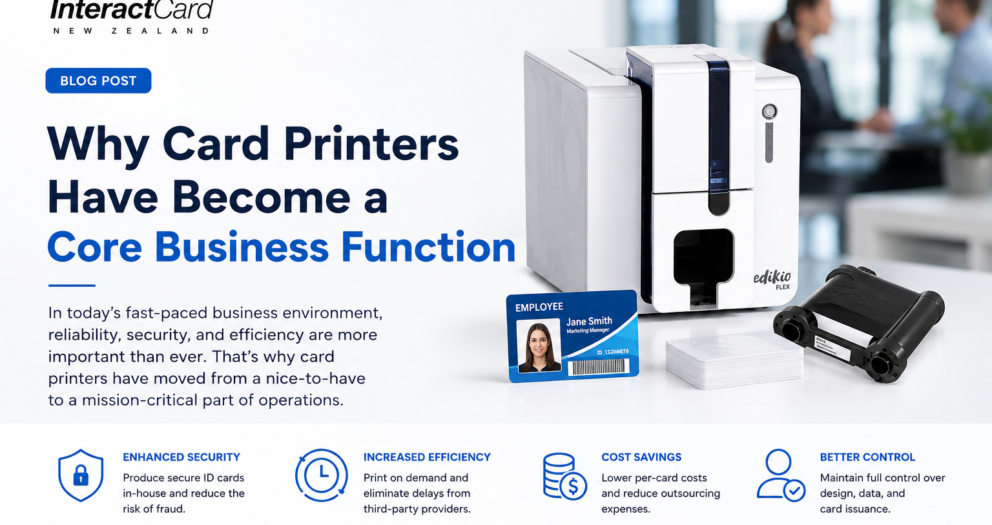
For businesses, schools, and organisations that regularly issue cards, investing in a plastic card printer can be more practical than outsourcing. You stay in control of the design, printing schedule, card quantity, and card information.
What Is a Printer for Plastic Cards?
A printer for plastic cards is a specialised machine designed to print directly onto PVC or compatible plastic cards. Unlike a standard paper printer, it uses specific card printing technology, ribbons, and software to create durable, high-quality cards.
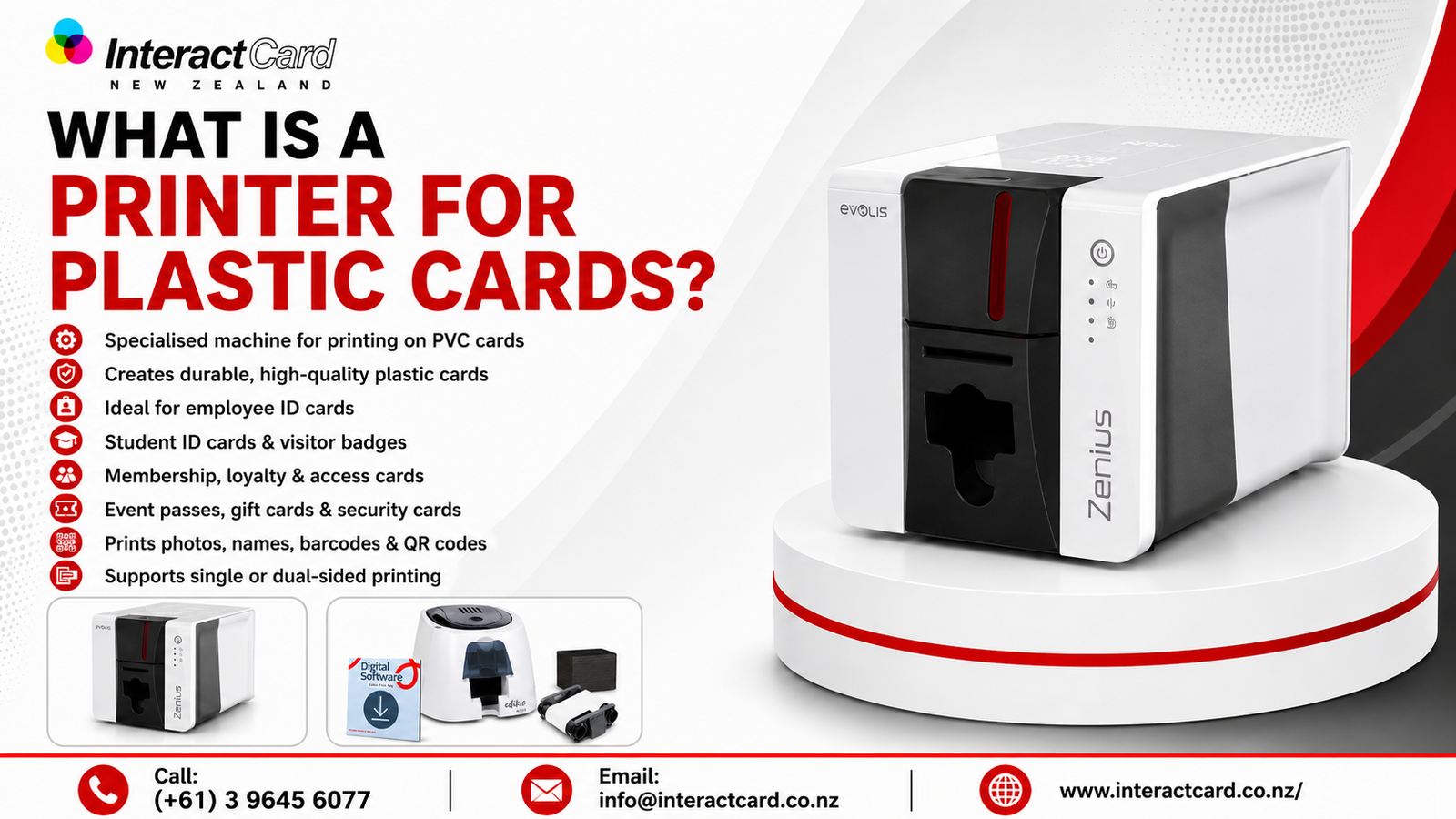
These printers are commonly used for:
- Employee ID cards
- Student ID cards
- Visitor badges
- Membership cards
- Loyalty cards
- Access control cards
- Event passes
- Gift cards
- Food labels and price tags
- Security cards
A professional card printer can print photos, names, logos, barcodes, QR codes, serial numbers, expiry dates, and other important details. Depending on the model, it may also support single-sided printing, double-sided printing, magnetic stripe encoding, contact chip encoding, contactless technology, UV security effects, or lamination.
Benefits of Printing ID Cards In-House
Outsourcing may seem convenient at first, but it can create delays and additional costs over time. If your organisation regularly needs new cards, reprints, or temporary passes, in-house printing gives you more flexibility.
Key Benefits
| Benefit | How It Helps Your Organisation |
| Faster card production | Print new and replacement cards on demand |
| Better control | Update designs, photos, and details anytime |
| Cost efficiency | Reduce ongoing outsourcing and reprint costs |
| Professional quality | Produce sharp, branded, durable plastic cards |
| Improved security | Add barcodes, QR codes, encoding, or visual security features |
| Flexibility | Print staff cards, visitor passes, memberships, and event badges as needed |
With an in-house id card printer, your team does not have to wait days or weeks for small batches. You can respond quickly when a new employee starts, a student loses a card, or an urgent visitor badge is required.
Choosing the Right Plastic Card Printer
Not every card printer is the same. The best option depends on your print volume, card design, security needs, and budget. Before buying a plastic card printer, consider how your organisation will use it day to day.
1. Print Volume
A small office, club, or reception desk may only need a compact printer for low to medium card volumes. A larger school, university, transport provider, or membership organisation may need a faster printer with a larger card feeder and higher output capacity.
2. Single-Sided or Double-Sided Printing
Single-sided cards are suitable when you only need basic details such as a photo, name, job title, logo, and ID number. Double-sided cards are useful when you want to include extra details on the back, such as emergency contact information, access rules, return instructions, QR codes, or membership terms.
3. Security Features
If your cards are used for access control, secure areas, or identity verification, you may need advanced features such as magnetic stripe encoding, smart chip integration, contactless card technology, UV printing, or lamination.
4. Software and Ease of Use
Good card design software makes it easier to create professional layouts, add logos, import data, and print cards accurately. A user-friendly printer also helps reduce mistakes and training time.
InteractCard NZ Product and Service Range
InteractCard NZ provides card printing solutions for different business sizes, industries, and card printing needs. Their range includes compact entry-level printers, professional desktop printers, high-security card printers, retransfer printers, bureau-level printers, card printer supplies, design software, and ID accessories.
Popular Card Printer Options
| Printer Range | Best Suited For |
| Zenius 2 Card Printer | Small to medium card volumes, staff IDs, visitor badges, membership cards |
| Primacy 2 ID Card Printer | Fast, flexible, secure, professional card production |
| Badgy Badge Printer | Simple badge and card printing for small organisations and events |
| Agilia Retransfer Printer | High-quality printing for more advanced card requirements |
| Avansia Retransfer Printer | Premium card quality and secure card production |
| Primacy Lamination Printer | Cards requiring extra durability and protection |
| Quantum 2 Bureau Card Printer | Higher-volume card printing environments |
| Edikio Price Tag & Label Printer | Food labels, price tags, and retail display cards |
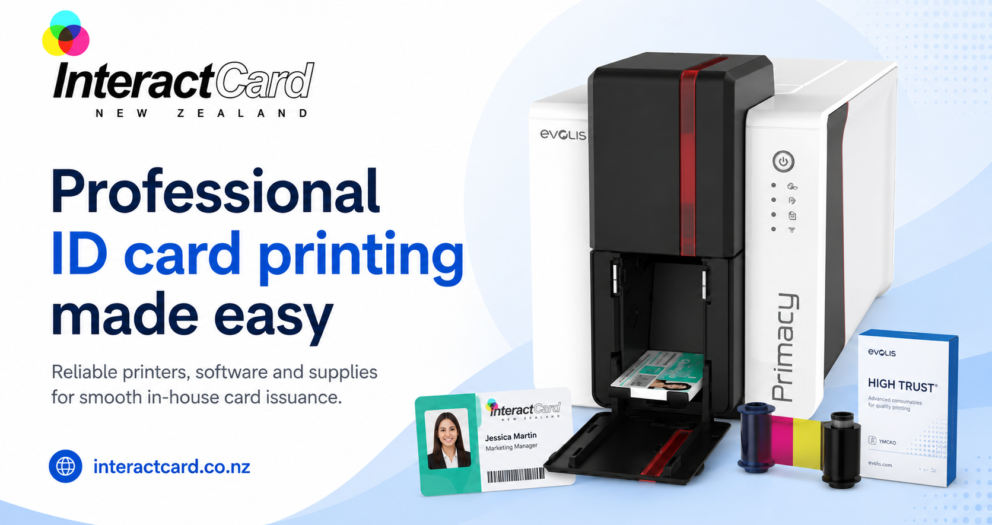
The Zenius 2 is a strong choice for organisations that want a compact and efficient printer for everyday card production. It is suitable for employee IDs, student cards, visitor badges, membership cards, loyalty cards, and access cards. For organisations needing higher performance and advanced upgrade options, the Primacy 2 offers flexibility with features such as double-sided printing, larger feeder options, encoding modules, and security-focused technology.
Supplies That Support Better Card Printing
A printer is only one part of the card printing setup. To keep your cards looking professional, you also need the right consumables and accessories.
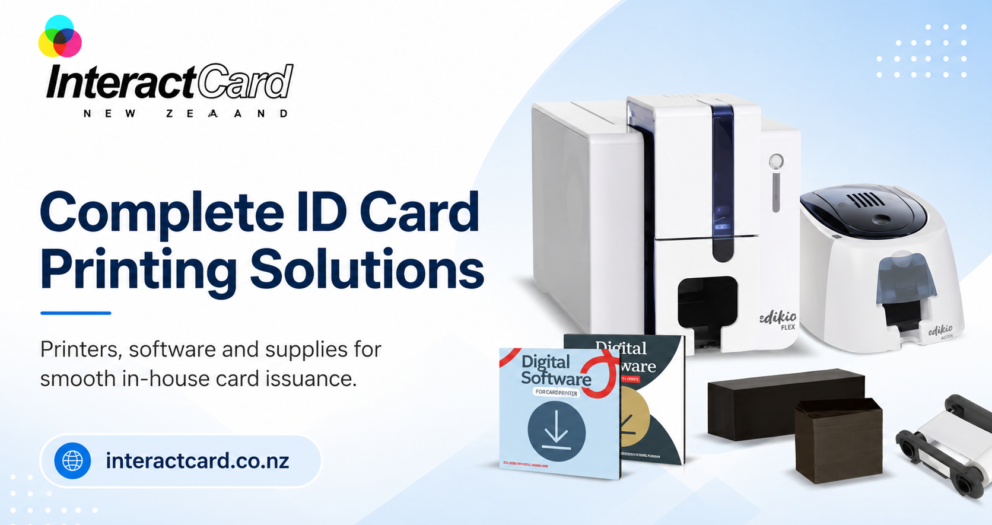
InteractCard NZ supplies:
- Blank plastic cards
- Evolis printer ribbons
- Zenius 2 ribbons
- Primacy and Primacy 2 ribbons
- Cleaning kits
- Card design software
- Lanyards
- ID card holders
- Clips, straps, and magnets
- Retractable reels
- Pre-printed plastic cards
- Magnetic stripe readers
- New Zealand standard AC power plug accessories
Using compatible ribbons and cleaning kits is important because it helps protect the printer, maintain print quality, and reduce avoidable card defects. Regular cleaning can also support longer printer life and more consistent results.
Features to Look for in an ID Card Printer
When comparing options, focus on features that match your organisation’s real needs rather than choosing based only on price.
Important Features Include:
- Print quality and resolution
- Print speed
- Single or dual-sided printing
- Card feeder capacity
- USB or Ethernet connectivity
- Windows and Mac compatibility
- Card design software
- Barcode and QR code printing
- Magnetic stripe or smart card encoding
- UV overlay or security printing
- Rewritable card support
- Lamination options
- Easy maintenance and cleaning
A professional id card printer should make daily printing easier, not more complicated. The right printer should fit your workflow, available space, print volume, and staff skill level.
Why Choose InteractCard NZ?
Choosing the right supplier is just as important as choosing the right printer. InteractCard NZ offers more than just card printers. They provide a complete range of card printing products and support options, making it easier for organisations to build a reliable card printing system.
Advantages of Choosing InteractCard NZ
InteractCard NZ is a strong choice for organisations because it offers:
- A wide range of Evolis card printers
- Printer ribbons and consumables
- Blank plastic cards and accessories
- Card design software options
- Product support centre resources
- How-to video guidance
- Solutions for staff IDs, student cards, loyalty cards, access cards, and event badges
- Printer options for small, medium, and high-volume card printing needs
This makes InteractCard NZ suitable for many industries, including education, retail, hospitality, events, healthcare, corporate offices, clubs, and membership-based organisations.
Who Should Upgrade Their ID Card Printing Setup?
Upgrading to a professional card printer is useful for any organisation that needs better control, speed, and quality in card production.
It is especially valuable for:
Schools and Universities
Educational institutions can print student cards, staff IDs, library cards, access cards, and temporary passes quickly.
Businesses and Offices
Companies can create professional employee ID cards, contractor badges, and visitor passes that support workplace security.
Retail and Hospitality
Retailers, cafés, restaurants, and hospitality businesses can print loyalty cards, membership cards, gift cards, staff badges, and food price labels.
Events and Clubs
Event organisers and clubs can produce event passes, VIP badges, membership cards, and temporary access cards without depending on outside suppliers.
Security and Access Control Teams
Security-focused organisations can print cards with photos, barcodes, QR codes, encoded data, or additional security features.
Final Thoughts
Upgrading your ID cards starts with choosing the right printing solution. A reliable printer for plastic cards gives your organisation the freedom to print professional cards whenever they are needed. It improves security, saves time, supports branding, and gives your team full control over card production.
Whether you need a compact card printer for everyday ID cards or a high-performance plastic card printer for advanced security and larger volumes, InteractCard NZ offers a complete range of solutions to suit different needs.
From Zenius 2 and Primacy 2 printers to ribbons, blank cards, cleaning kits, software, and accessories, InteractCard NZ helps organisations create better, stronger, and more professional ID cards with confidence.

Write a comment
Your email address will not be published. All fields are required