ID Card Printer vs Outsourcing: Which Saves You More?
For many organisations, staff ID cards, visitor badges, access cards, membership cards, and student cards are part of everyday operations. They help identify people, protect workplaces, improve brand presentation, and support access control. But when it comes to producing these cards, many businesses face one important question: should you buy an id card printer or continue outsourcing card printing?
At first, outsourcing may look simple. You send card details to a supplier, wait for printing, and receive finished cards. However, as your organisation grows, outsourcing can become slower, more expensive, and less flexible. On the other hand, investing in an in-house identity card printer gives your business more control, faster turnaround, and long-term cost benefits.
This guide compares in-house ID card printing with outsourcing, explains which option saves more, and shows how InteractCard can help New Zealand and Australian organisations produce professional cards with confidence.
For businesses that need cards regularly, in-house printing often delivers better long-term value.
 Outsourcing costs can include:
 Outsourcing may suit your organisation if:
Why Businesses Need Professional ID Cards
Professional ID cards are not just about appearance. They support identity, safety, access, and trust. Whether you run a school, office, healthcare facility, club, retail store, government department, construction site, or event business, clear identification helps daily operations run smoothly. A professional ID card can be used for:- Staff identification
- Visitor management
- Student ID cards
- Access control
- Contractor passes
- Membership cards
- Loyalty cards
- Event access cards
- Security ID cards
- RTO induction cards
What Is Outsourced ID Card Printing?
Outsourced ID card printing means your organisation depends on an external company to design, print, and deliver your cards. You usually provide staff details, photos, card design instructions, and quantities. The supplier then prints the cards and sends them back to you. This can work well for one-time large batches. For example, if you need thousands of cards printed once and do not expect regular updates, outsourcing may be convenient. However, many businesses do not only print cards once. They need new staff IDs, replacement badges, contractor passes, visitor cards, and access updates throughout the year. This is where outsourcing can become costly and slow.What Is In-House ID Card Printing?
In-house ID card printing means your organisation owns and operates its own id badge printer or card printer system. You can print cards whenever you need them, directly from your office, reception area, HR department, school administration office, or security desk. With an in-house id card printer, you can print:- New employee ID cards
- Replacement cards
- Temporary visitor badges
- Contractor passes
- Student cards
- Club membership cards
- Access control cards
- Loyalty cards
- Event badges
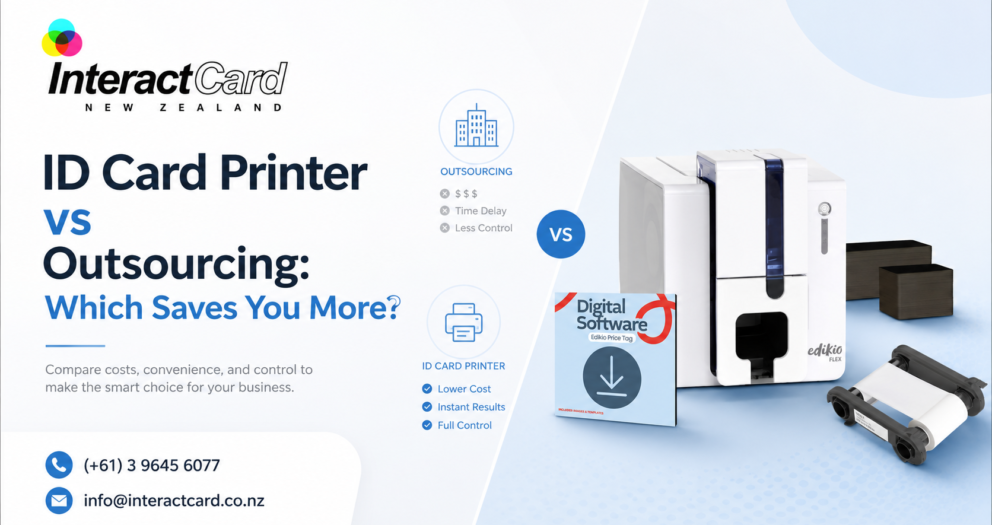
ID Card Printer vs Outsourcing: Quick Comparison
| Factor | Outsourcing ID Cards | In-House ID Card Printer |
| Turnaround time | Can take days or longer | Cards can be printed immediately |
| Replacement cards | Requires another order | Quick and easy |
| Data control | Staff data is shared externally | Data stays inside your organisation |
| Design flexibility | Changes may cost extra | Designs can be updated anytime |
| Small print runs | Often less cost-effective | Practical for small batches |
| Long-term cost | Ongoing supplier charges | Better value for regular printing |
| Branding consistency | Depends on supplier output | Fully controlled by your team |
| Emergency printing | Limited flexibility | Ideal for urgent needs |
| Visitor and contractor cards | May not be practical | Easy to print on demand |
| Security control | Less internal control | Stronger internal process |
Which Option Saves More Money?
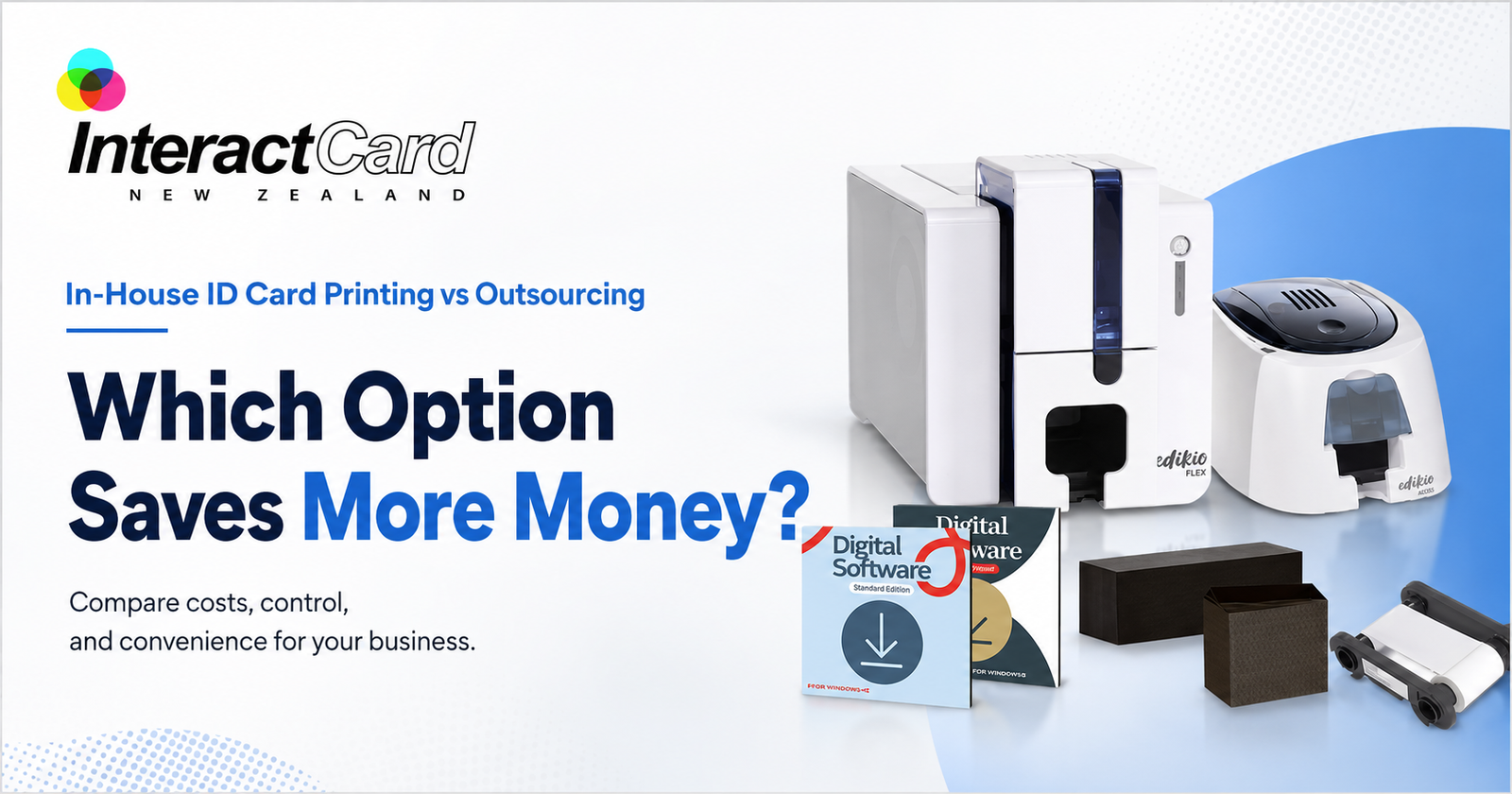
The answer depends on how often your organisation prints cards. If you only need a very small number of cards once every few years, outsourcing may be enough. But if you regularly print staff IDs, visitor cards, student cards, membership cards, or replacement badges, buying an identity card printer can save more over time.
Outsourcing costs can include:
- Card design charges
- Printing fees
- Setup fees
- Minimum order quantities
- Delivery charges
- Extra charges for urgent orders
- Reprint costs for mistakes
- Replacement card fees
The Hidden Cost of Waiting
Cost is not only about money. Time is also a major factor. When a new employee starts work, they often need an ID card immediately. If the card is outsourced, the employee may have to wait. This can create problems with access, security, and onboarding. The same problem happens when a staff member loses a badge or a contractor needs urgent site access. With an in-house id badge printer, your team can issue a card in minutes instead of waiting for external production. This is especially useful for:- HR teams onboarding new staff
- Schools issuing student IDs
- Healthcare centres managing staff badges
- Security teams replacing lost cards
- Clubs creating membership cards
- Events printing access badges
- Construction sites issuing contractor cards
- Retailers producing loyalty cards
Data Security: A Major Advantage of In-House Printing
Staff ID cards often contain personal information such as names, photos, employee numbers, access levels, and department details. When you outsource printing, this information must be shared with a third party. For some organisations, that may not be ideal. Schools, healthcare providers, government departments, security companies, and corporate offices often prefer to keep identity data internal. An in-house id card printer gives your organisation better control over sensitive data. Your team manages the card design, staff details, printing process, and issuing process from start to finish.In-house printing supports better security by allowing you to:
- Keep staff information internal
- Print cards only when approved
- Replace lost cards quickly
- Update access details faster
- Control who can print cards
- Manage temporary and visitor cards
- Reduce unnecessary data sharing
Choosing the Right ID Card Printer
The best printer depends on your card volume, security needs, print quality expectations, and budget. InteractCard offers a wide range of ID card printer options to suit different business requirements.Zenius and Zenius 2 ID Card Printers
The Zenius 2 is a compact and efficient solution for organisations that need reliable, high-quality ID card printing. InteractCard describes it as ideal for small to medium card printing volumes, with professional single-sided card printing, speed, and precision. This type of printer is suitable for:- Small businesses
- Reception desks
- Retail counters
- Schools
- Membership organisations
- Visitor badge printing
- Basic staff ID cards
Primacy2 ID Card Printer
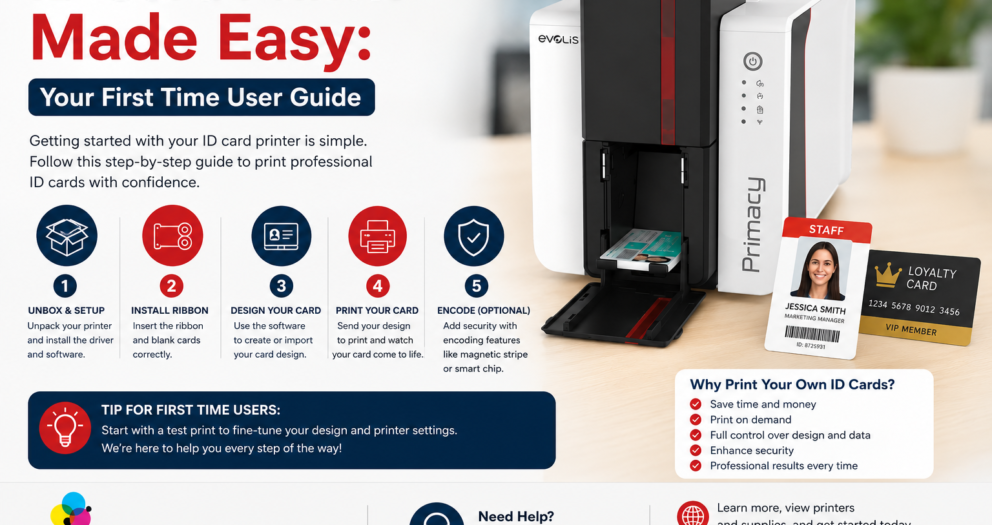
For organisations needing higher performance, the Evolis Primacy2 is a strong option. InteractCard describes the Primacy2 as a premium desktop ID card printer designed for fast, secure, and high-quality plastic card production. It also supports upgrade options such as magnetic stripe encoding, smart chip integration, and contactless card technology. This makes Primacy2 suitable for:- Medium to large businesses
- Access control cards
- Secure staff IDs
- Membership cards
- Student cards
- Visitor cards
- Organisations needing future upgrade options
Primacy Lamination, Avansia, and Advanced Options
For cards that need extra durability or security, lamination and retransfer printers are useful. InteractCard lists options such as Primacy Lamination, Agilia Retransfer, Avansia Retransfer, Avansia Lamination, Quantum 2 Bureau Card Printer, KIOSK ID Card Printers, and Badgy Label & Badge Printer. These advanced options are suitable for high-use cards, premium printing, and secure environments.When Outsourcing May Still Make Sense
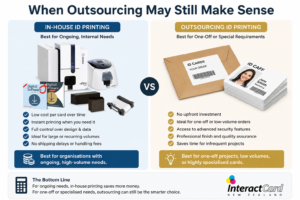
Outsourcing is not always wrong. It can still be useful in certain situations.
Outsourcing may suit your organisation if:
- You only need cards once
- You need a very large batch with no personalisation changes
- You do not want to manage any equipment
- You have no regular need for replacements
- Your cards do not contain sensitive data
- Turnaround time is not important
When an ID Card Printer Saves More
An in-house identity card printer usually saves more when your organisation has ongoing card needs. It is especially valuable when:- You hire new staff regularly
- Cards are lost or damaged often
- You manage contractors or visitors
- You need student or membership cards
- You run events or temporary access programs
- You need quick replacement cards
- You want stronger data control
- You want consistent branding
- You need access card features
- You want to reduce supplier dependency
Product and Service Range from InteractCard
InteractCard provides a complete range of card printing solutions for New Zealand and Australian businesses. Instead of only buying a printer, customers can source printers, ribbons, blank cards, software, accessories, and support from one specialist supplier.InteractCard product range includes:
- Zenius ID Card Printer
- Zenius 2 Card Printer
- Primacy2 ID Card Printer
- Edikio Price Tag & Label Printer
- Primacy ID Card Printer
- Primacy Lamination Card Printer
- Agilia Retransfer ID Card Printer
- Avansia Retransfer ID Card Printer
- Avansia Lamination Card Printer
- Quantum 2 Bureau Card Printer
- KIOSK ID Card Printers
- Badgy Label & Badge Printer
- Blank plastic cards
- Evolis printer ribbons
- Cleaning kits
- Card design software
- ID card holders
- Lanyards
- Clips, straps, and magnets