
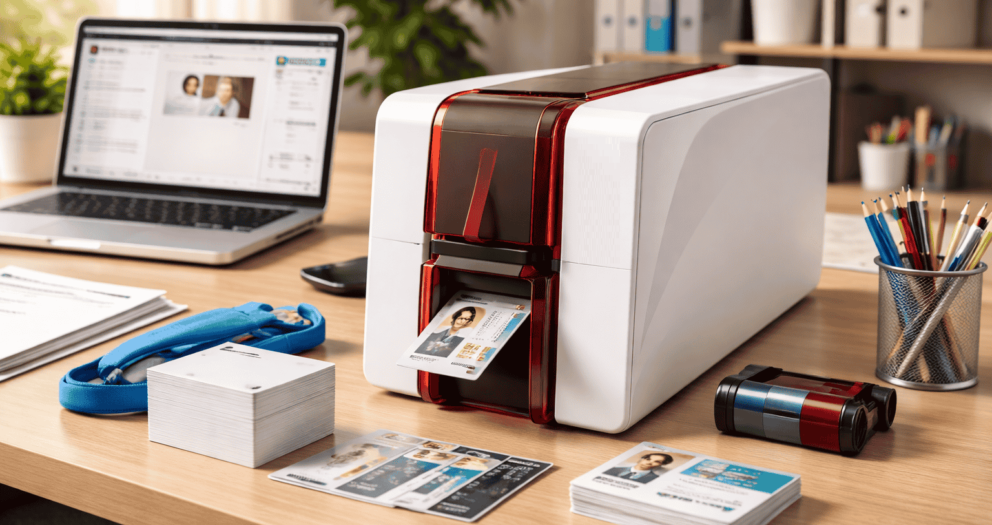
ID Card Printer Made Easy: Your First Time User Guide
You must have purchased an ID card printer? Unbox it, put it on your desk, plug in the cable, connect to Bluetooth and connect it to your computer. These printers come with some more advanced features like Ethernet, wifi on the printer and others.
These are some useful points that customers must remember when they are starting to use an ID card printer. Once your printer gets connected to the computer, you have to install the driver on your computer. It helps recognise the printer and allows you to print the document.
There is also a CD RCM inside the box that you can use. However, the best option is to visit the official site of the manufacturer, check for the manual and download the latest version of the driver. This will keep your printer up to date with all the latest and advanced features.
Take proper care of the printer head.
The printer head is the most expensive part of the printer. It might seem easy to replace it. But do it carefully, as it is also very precious. We have seen that there are two ways that users follow, which can damage the printer head.- The first option is to use pre-punched cards. You might think of saving your time. But it is not a good way to use the printer in that way. The ID card printers are thermal printers. So, whenever the plastic ID card moves under the printer head, the heat burns the colour into the plastic. And whenever the print head passes over the punch hole in the card, it can get scratched and, in turn, get damaged. If you pass a finger over the punch hole, you can also feel the bump in the plastic. So, when those bumps start hitting the printer head, it damages the head badly. Make sure to punch your card after printing it. This will help you save a lot of money.
- The second concern is opening the cover of the identity card printer. When you keep the cover open for whatever reason, the printer head gets exposed. So, be careful whenever you are changing the printer ribbon. You should not hit the head with the plastic parts. This is one of the most common ways to damage the printer. So be careful.
Clean your Printer Regularly
Once you have completed printing 500 cards, you must clean your printer at least once. By doing a regular printer cleanup, you extend the warranty of the printer and also enhance its lifespan. The thermal printers create residue from the ribbon that sticks on the printer head and can significantly lower the quality of the printing cards. Sometimes, the residues also go inside the roller that moves the card inside the printer. If you clean the printer properly, it will clean all the parts of the printer. There are usually three steps that are involved in cleaning a badge printer. So, before you start cleaning the printer, you should remove all the cards and the ribbon from the feeder.- Use a cleaning card. It mostly looks like a CR80 card but is made up of cartons instead of plastic and is moistened with alcohol.
- Use a pencil or a swab to clean the printer head properly.
- Based on your printer, you might also need to replace the cleaning roller and wipe it with a cloth.
What should you consider while choosing the best ID card printer?
Selecting a printer can be a challenge because there are a myriad of options available in the market. A reliable ID card printer will always help you to keep your business running properly and prevent any hassle. Whether your business is printing 5 cards daily or 100 cards daily, the requirements for printing the cards will always be the same. However, an ideal ID card printer will always print high-quality cards, effectively and efficiently. So, here are some factors you must consider while choosing your ID card printer.- Card printing volume.
- Card appearance requirements.
- Type of printing.
- Frequency of printing.
